
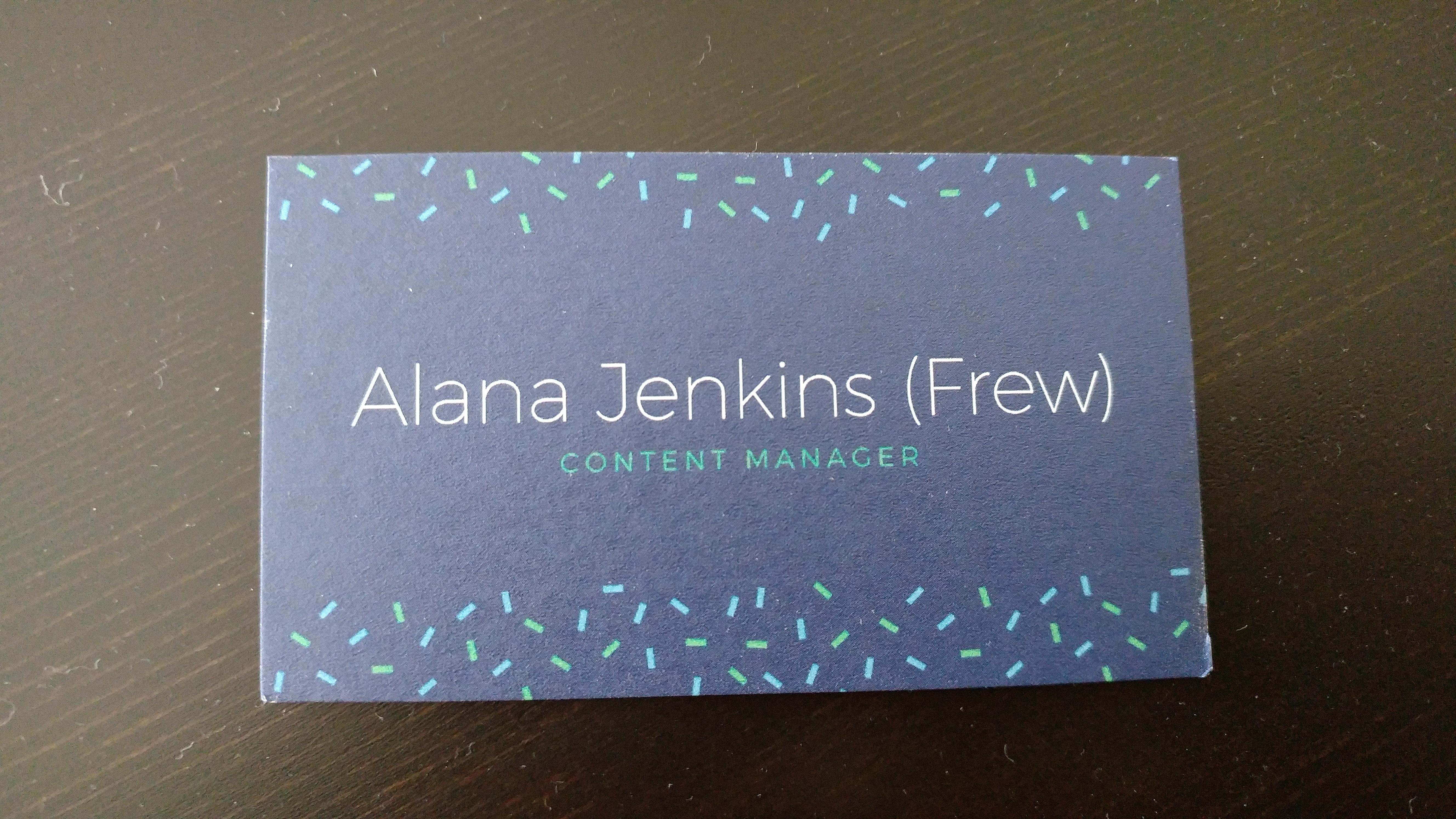
Canva is an amazing tool and if you’ve never used it, you’re missing out. It’s a great option for making graphics for your business or organization without photoshop experience. But after sharing a post on LinkedIn last week, I discovered many of colleagues weren’t aware of several Canva templates existed.
Here are some Canva templates you didn’t know existed.
Business Cards
After going to several networking events without business cards, I decided it was necessary to create my own. I was pleasantly surprised to find out I could design and order business cards through Canva. While it lacks some ordering options, the design capabilities alone make it worth it. I love how easy it was to design and the finished product.
Resumes
My husband refuses to renew our Microsoft Office access, but at the same time, I couldn’t stand how bland my resume looked. I decided I wanted something more colorful and speaks to my personality and decided to try Canva. The template I chose made the formatting a little difficult, but overall, I love my new resume. It also gives you the option to make it a PDF, so if you have any links you want to include in the digital file, it’s a great option.
Greeting Cards
When I got my business cards in the mail, Canva sent me 10 greeting cards for free. They’re small, but rather cute. I could easily order their designs or create customized cards for specials occasions or as gifts for friends and family. It’s easy and adds a personal touch!
Gifs
This is a recent feature and fun to use if you manipulate to the way you want it. It includes transition options on how your text pops up and makes it based on where everything in the graphic is placed. All you have to do is choose the gif option when you download the file. I recommend looking at all of the transition options to see what you like best. It’s best to use this feature for graphics with only text, but it’s great for simple and quick gifs if that’s all you need.
What features do you enjoy using on Canva? Share in the comments below.
 AFJ Digital